AdvTAK is an offline-first tactical GIS for field teams, search & rescue, and emergency response — offline vector maps, 3D terrain, serverless team sync, and mission reporting. No accounts. No cloud. No signal required.
Every capability is engineered to keep working after the last bar of signal disappears.
Download whole regions, import PMTiles/MBTiles archives, and let the smart cache keep every tile you've seen. Missing tiles fall back gracefully — the map never goes blank.
Real 3D terrain, hillshade, slope-angle shading computed on-device, and elevation profiles along any route — for planning lines you can actually move on.
Live positions, shared markers and routes, and team chat with voice — over P2P, LAN hub, or Reticulum mesh. Join a session with a QR code. Leave no trace in any cloud.
SITREP reports, CASEVAC casualty reports with a printable MIST card, PACE communication plans, mission task checklists, equipment register, and supply tracking with days-of-supply estimates — now synced live to the whole team.
GPS with compass heading, breadcrumb tracks, multi-waypoint routes with per-leg distance and bearing, geofence alerts when you or a teammate cross an area, magnetic declination, a battery-saving low-power GPS mode, and coordinates in DD, DMS, DDM, UTM, MGRS, and Maidenhead.
Everything stays on your device. Move it with GeoJSON, KML, and GPX — or one encrypted backup file: AES-256, your password, no recovery server because there is no server.
Link any object, supply, person, mission, or report to any other — stored at, assigned to, used in. Then ask the map: what supplies are near this point, what gear a team holds, everything tied to a mission. Plus a full Field Records suite — persons, evidence with photo & GPS chain-of-custody, incidents, hot list, rescue logs, surveys.
USGS, Esri, OpenTopoMap, OpenStreetMap, and key-free vector styles with fonts and icons bundled for cold-start offline rendering. Every base overzooms to z22, plus a 1,345-source imagery catalog.
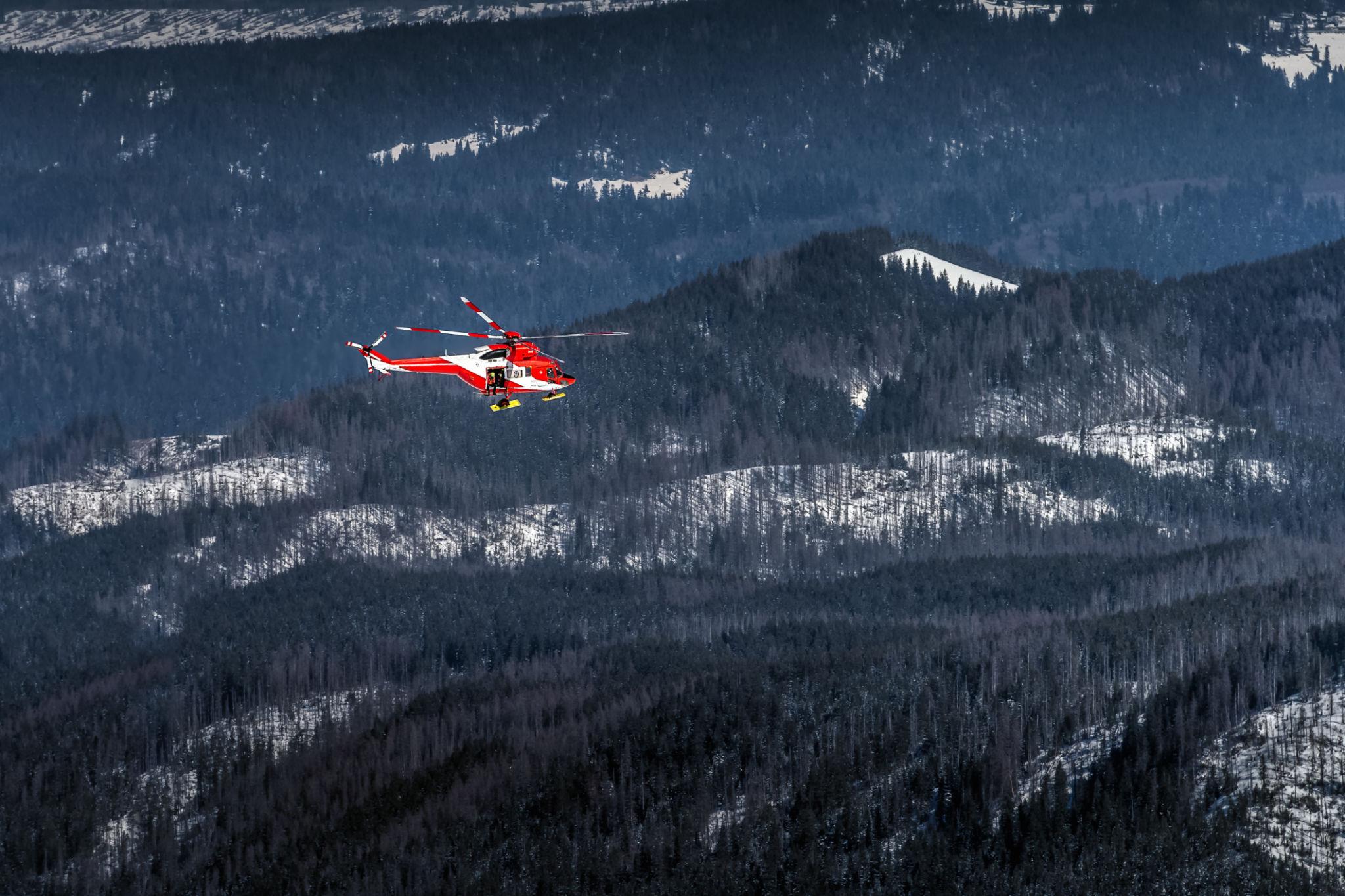
Operational periods, clue markers, sector assignments, and live team positions — synced over the LAN when the grid is down.

Topo detail, slope shading, public-land boundaries, and breadcrumb tracks for country that has never seen a cell tower.
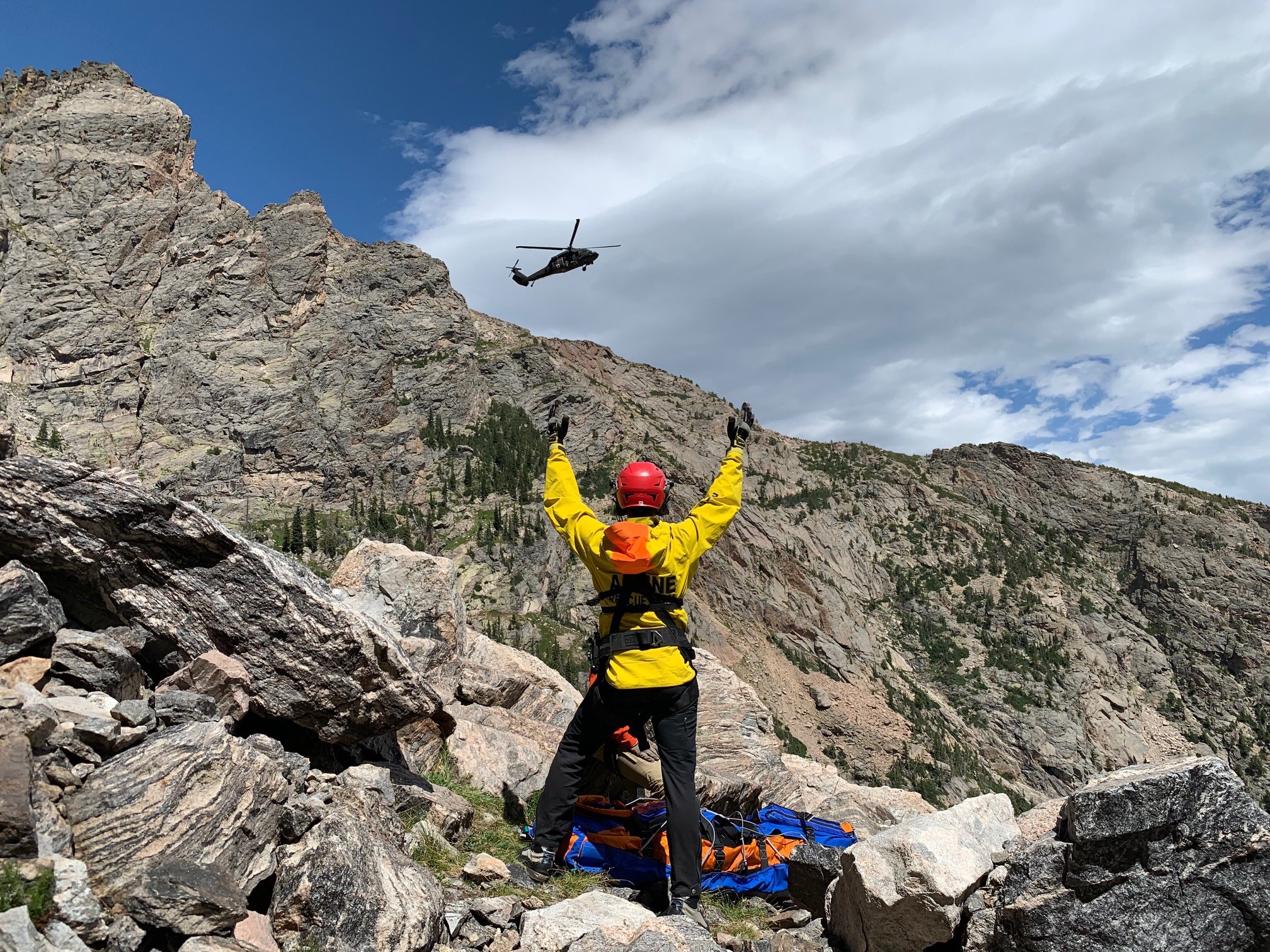
SITREPs, CASEVAC, PACE plans, and shared mission maps when infrastructure is the first casualty.
One codebase, two ways to carry it. Install once — it works offline from then on.
Native app for Android 7.0+. Background region downloads, native GPS and compass, file-system map imports.
DOWNLOAD APK (V1.0.3)Runs in any modern browser. Use “Install / Add to Home Screen” for the full offline PWA experience on desktop or mobile.
LAUNCH IN BROWSER+ ONE-TIME PURCHASE. NO SUBSCRIPTION. NO ACCOUNT. YOUR MAPS STAY YOURS.
 ADVTAK
V1.0.3
ADVTAK
V1.0.3